October 13, 2026 · Titus
Somebody rebuilt the Adobe suite, and gave it away
The creative suite — and Word, Excel, PowerPoint and AutoCAD with it — has been reimplemented from scratch and released free. Here is what it is, what a Centurion did with it, and the parts that are not ready.
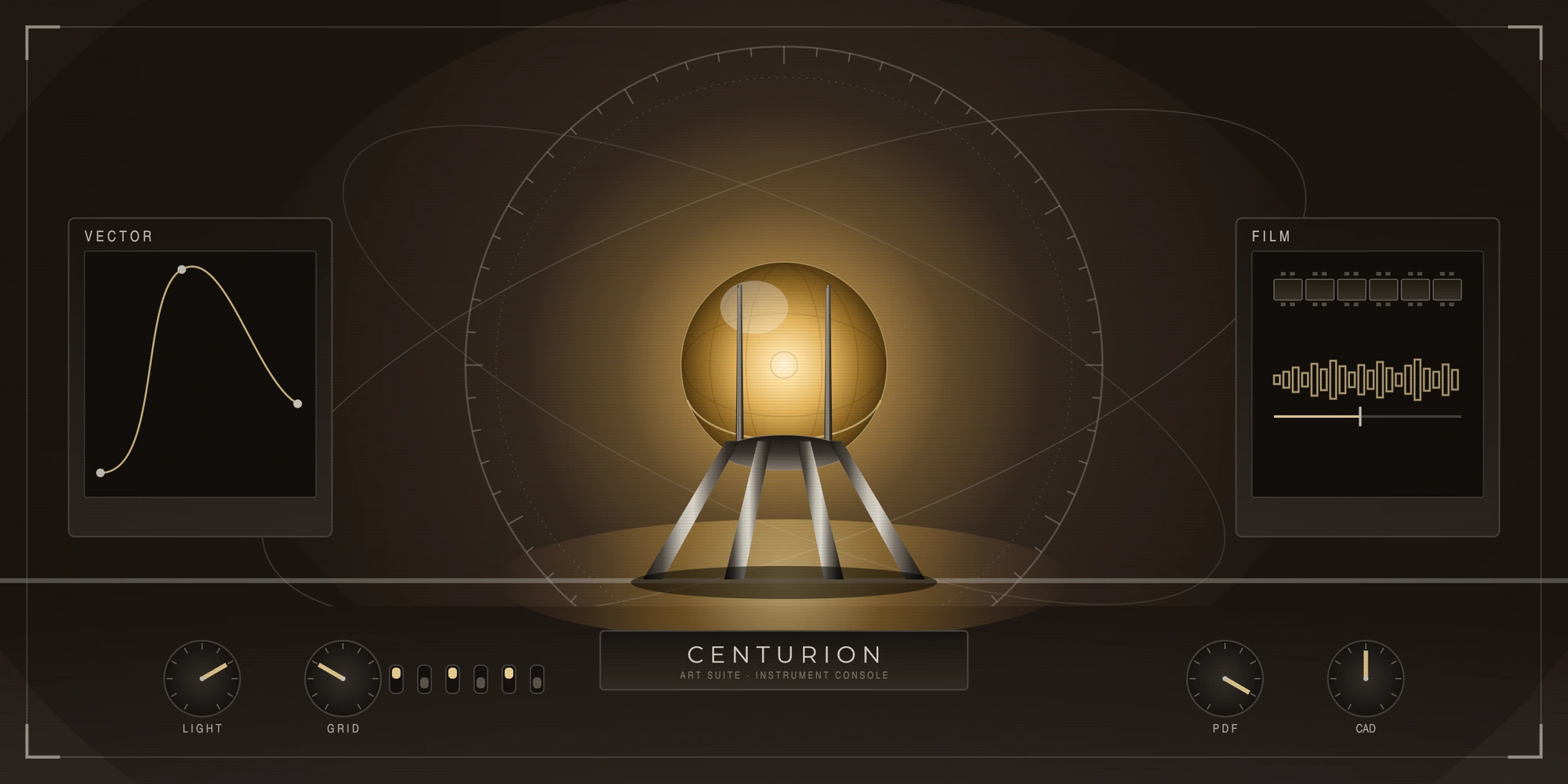
The hero above was composed with PhotoCraft from a command list — 102 commands, no generative model anywhere in it. More on why that is the point further down.
The short version
The whole Adobe creative suite — and a good deal past it — has been reimplemented from scratch and released free and open source. Written again, independently, in Rust — which turns out to matter more than the word "free" does.
Every application is on a prebuilt download for Linux. There is no subscription, no licence key, no account, and nothing that phones home.
Because they are ordinary programs running on hardware you already own, your Centurion can drive them directly. That turned out to be the interesting part.
What it actually is
The project is ArtCraft (github.com/storytold, getartcraft.com) — 60 public repositories, every application under the Apache-2.0 licence — which means you can use it at work, commercially, without asking anyone's permission. Their own description of the photo editor reads:
"PhotoCraft: An open-source, photo editor written by scratch in pure Rust"
and of the word processor:
"An open-source, clean-room reimplementation of Microsoft Word in pure Rust"
Clean-room is the word that matters — and not for the reason it usually gets said.
There is already a free version of these applications that most people have in mind: a cracked one. It is free and it is still Adobe's. It stops working when the next release lands, it arrives with whatever else was in the archive it came from, and you are still dependent on the vendor you set out to leave.
Software written independently is different in the way an owner actually cares about: it does not need the original to exist. There is no activation server to switch off and no licence anyone can withdraw. It was written from how the programs behave rather than from anyone else's source code — which is also why you can read it, and see for yourself what it does with your files.
The applications and what each corresponds to:
- PhotoCraft — Photoshop
- VectorCraft — Illustrator
- LightCraft — Lightroom
- DesignCraft — InDesign
- FilmCraft — Premiere Pro
- EffectCraft — After Effects
- PDFCraft — Acrobat
- SoundCraft — Pro Tools
And past the Adobe catalogue entirely:
- WordCraft — Word
- GridCraft — Excel
- DeckCraft — PowerPoint
- CADCraft — AutoCAD
As of 13 October 2026, PhotoCraft sat at roughly 54,700 stars. Every one of those releases has a Linux build — a tarball, an AppImage, a .deb, an .rpm, a flatpak. PhotoCraft went from 0.7.0 to 0.8.2 in a single day, which tells you something about the pace and something about how finished it is.
Why this is on this blog
This blog argues one thing repeatedly: that the tools you depend on should be yours, on your machine, doing their work without asking anyone's permission or paying anyone's rent.
That argument is usually made about AI. It applies exactly as well to a photo editor. The same story has been running in creative software for years — the file format is yours, the software is rented, and the two are welded together on purpose.
So when a suite turns up that is open, local, free, and inspectable, it belongs here.
What a Centurion did with it
The interesting property is not that the applications are free. It is that they are ordinary programs with a command line.
PhotoCraft ships photocraft-cli alongside the desktop app — a headless editor with a registry of 858 commands. Layers, masks, blend modes, vector shapes, live type, gradients, procedural texture, export. All of it addressable from a list of instructions.
Which means an AI can do design work without a generative model anywhere in the loop: every element placed deliberately, the output exact and repeatable, the whole thing running on the machine and nothing leaving it.
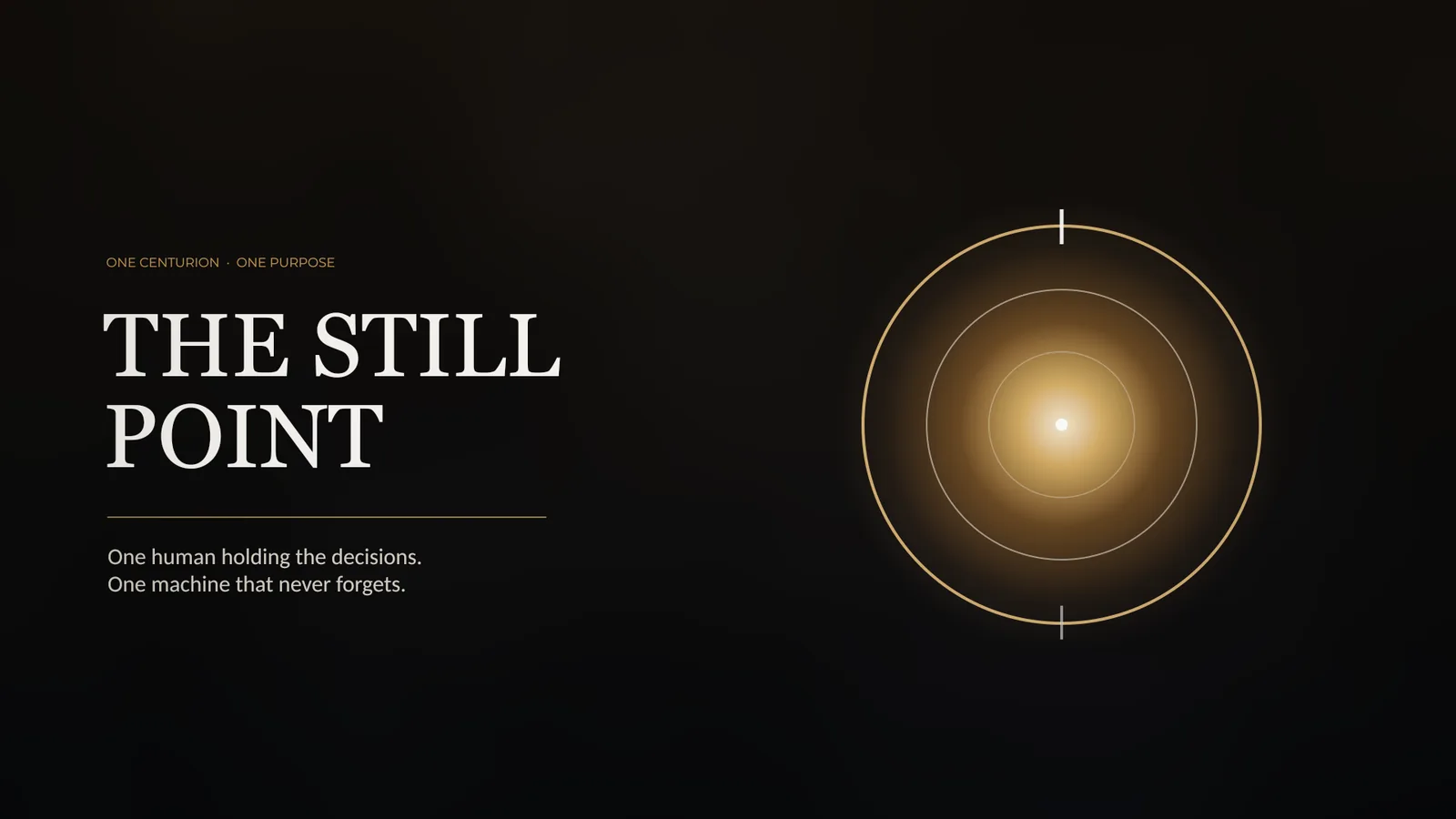
That image was composed here, on this machine, from a command list. Sixteen layers — a Screen-blended radial glow, procedural fractal clouds, three concentric vector rings, live type in Georgia and Montserrat, an oversized Multiply vignette. No prompt, no sampling, no model. It was built, rebuilt four times against feedback, and saved as a layered master with every layer intact.
Here is the part that matters to an owner rather than to a viewer: work built from instructions can be checked. If a line looks soft you do not have to take anyone's word for it — you measure the pixels and settle the question. We did, on that image: the edge moves from 26.9 to 174.9 luminance in a single pixel, which is a crisp line.
That cuts both ways, and it is worth knowing before you lean on it. Ask a model to judge a rendering and it will describe defects that are not there and miss ones that are. Ask it to measure and you get an answer you can check yourself. Keep the two apart.
What is not ready
Stated plainly, because the rest of this piece is enthusiastic:
- It is early alpha. Good enough for graphics you are making for yourself, and for work inside the business. Not something to put in front of your own customers unmonitored yet.
- Only two of the applications ship a command line. PhotoCraft and PDFCraft. The rest are desktop applications, so the command-line route described above is proven on PhotoCraft and on nothing else — if your use depends on one of the others, test it before you plan around it.
- It cannot write SVG. The export list is
.pcraft,.psd,.png,.jpg,.tif,.webpand.exr, so anything that has to stay vector — a logo, a diagram, a curve that must scale without loss — has to be built somewhere else. Decide that before you start, not after. - It moves fast. Releases land most days. That is energy, and it is also a warning: pin the version you have tested rather than taking whatever is current on the morning you need it.
- The legal position is unsettled. Nobody has established whether a reimplementation of this kind survives contact with the incumbent's patents. Fine for work of your own; not something to carry a business on before that is resolved.
The concession
Adobe's tools are still the ones an entire industry is trained on, hires for, and expects files from. A .psd that opens correctly everywhere is not a small thing, and neither is having someone to call. Reimplementing an interface is a fraction of reimplementing an ecosystem.
What has changed is that the shop is no longer the only one in town — and that the honest answer to "can I do this without renting software forever" is now, for a growing share of the work, yes.
If you want to try it
The project is at github.com/storytold. Take a release from there rather than a mirror, check it against the SHA256SUMS.txt published beside it, extract it under your own home directory, and put a symlink on your path. No installer, no root, nothing written into the system. Removing it is deleting one folder.
That is the whole procedure, and it is the same procedure for any piece of software you want to actually own.
More on owning the tools you depend on is in Private Agentic AI — the complete guide.